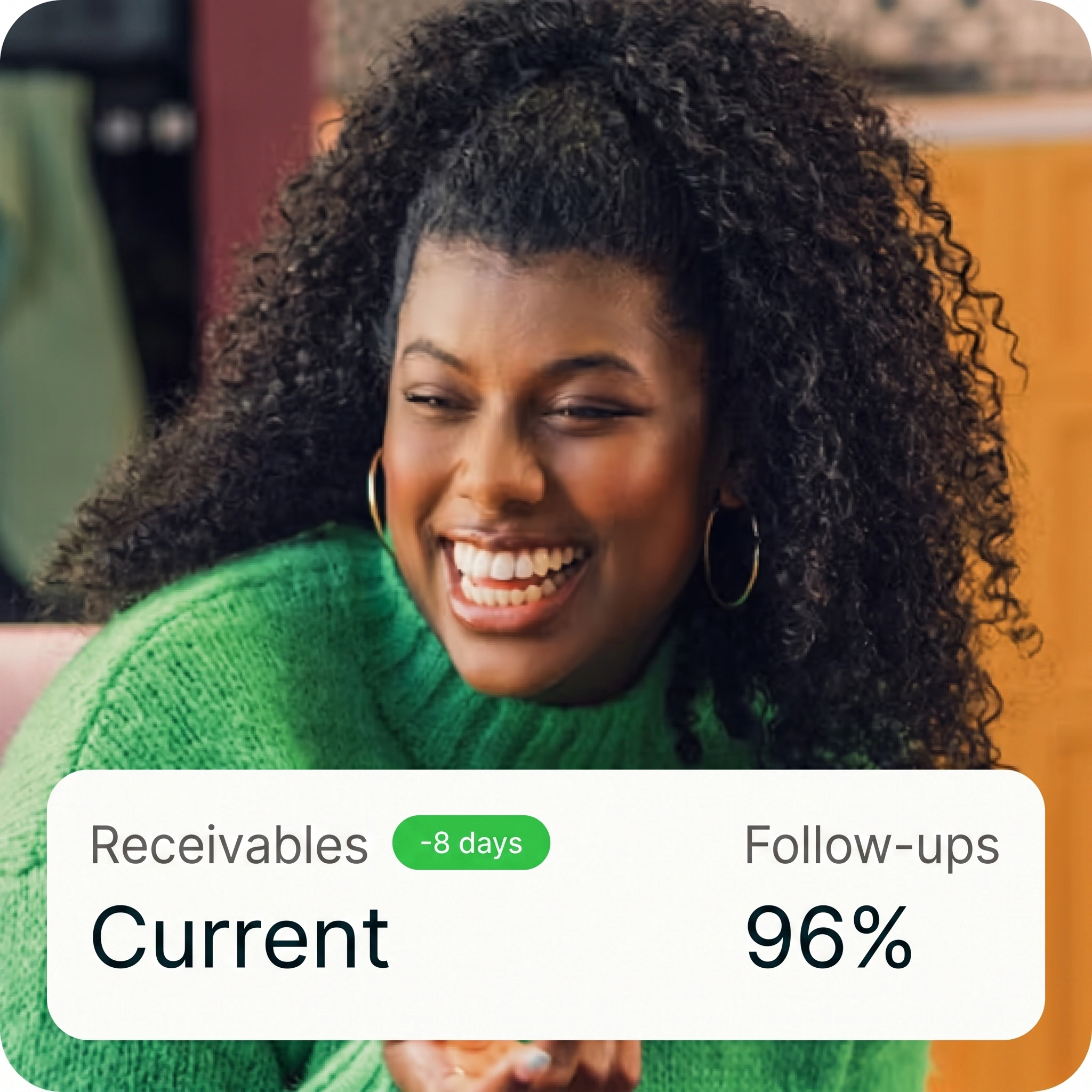

AI Workforce.Built for growing businesses.
The full-stack AI workforce for growing businesses. OpenAnalyst connects agents to the records, rules, and systems already running across your company—so teams can launch governed workflows, keep humans in control, and scale what works from one department to the next.
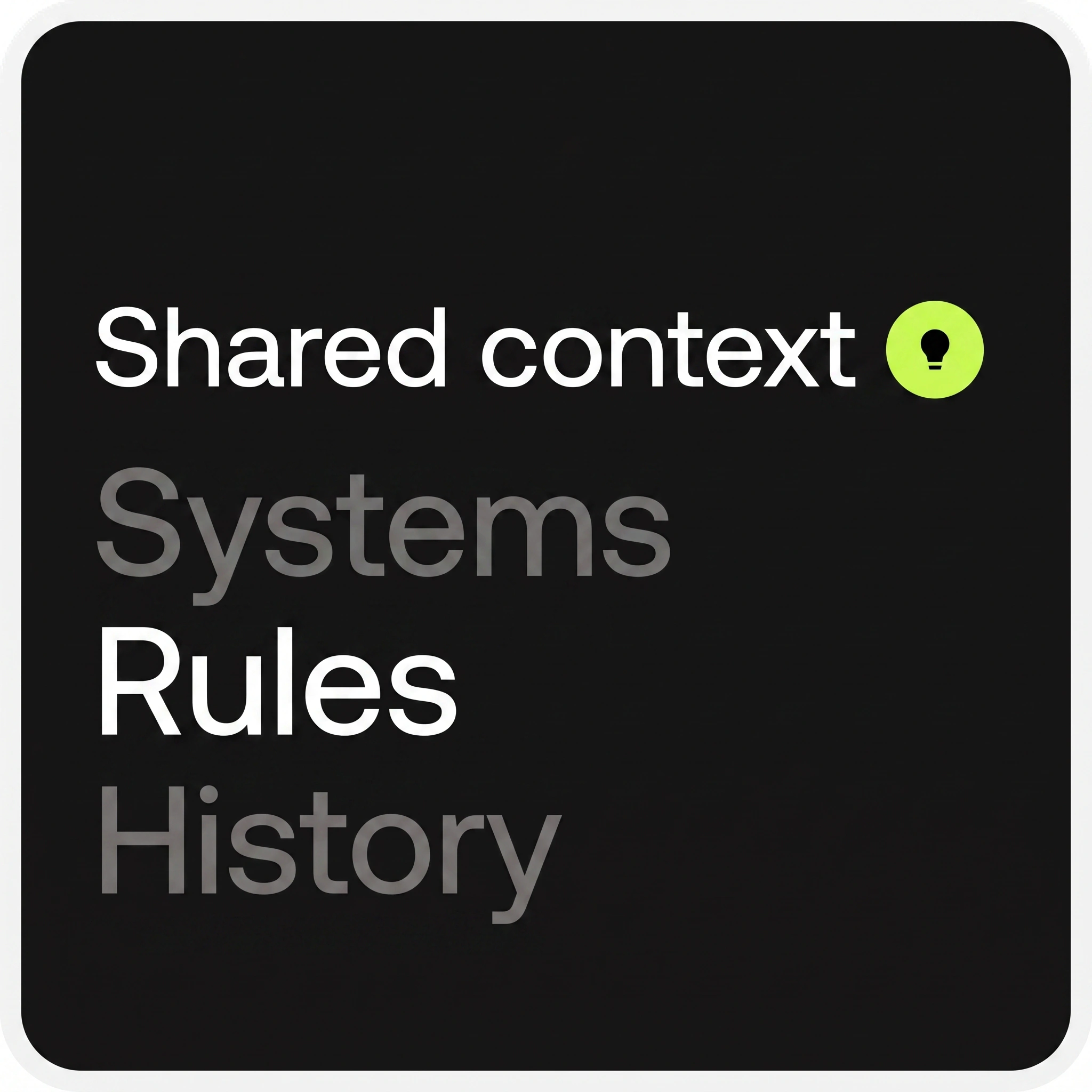
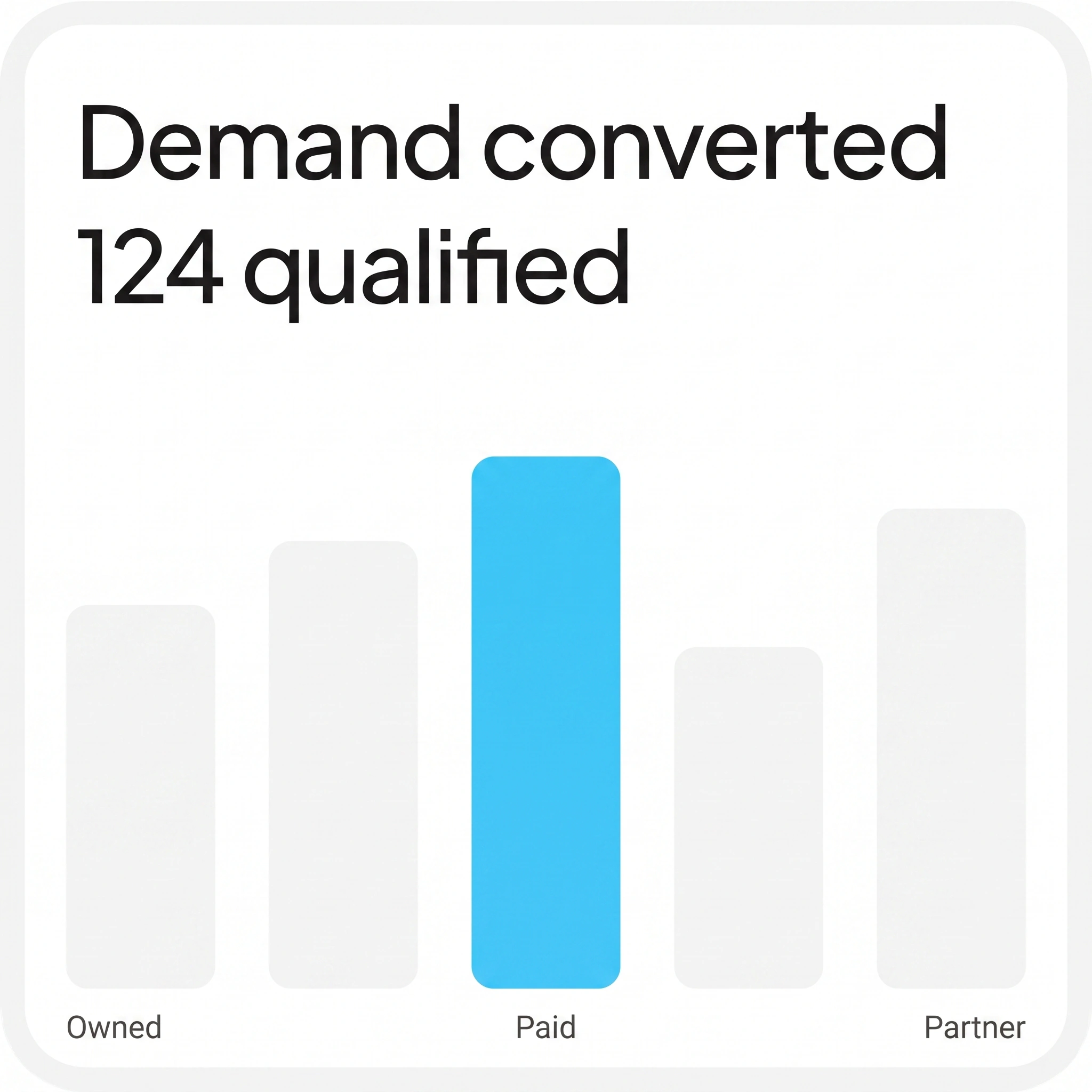
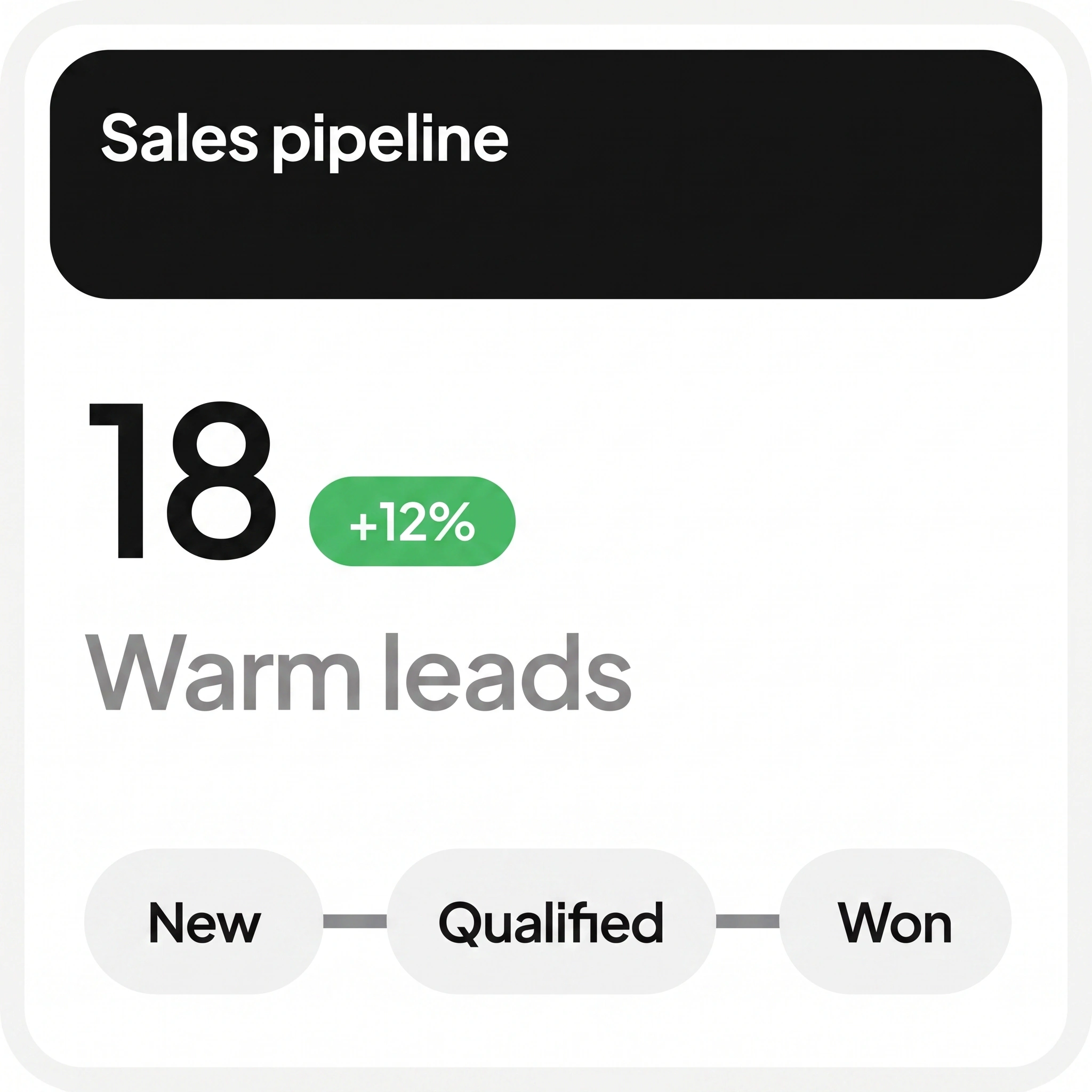
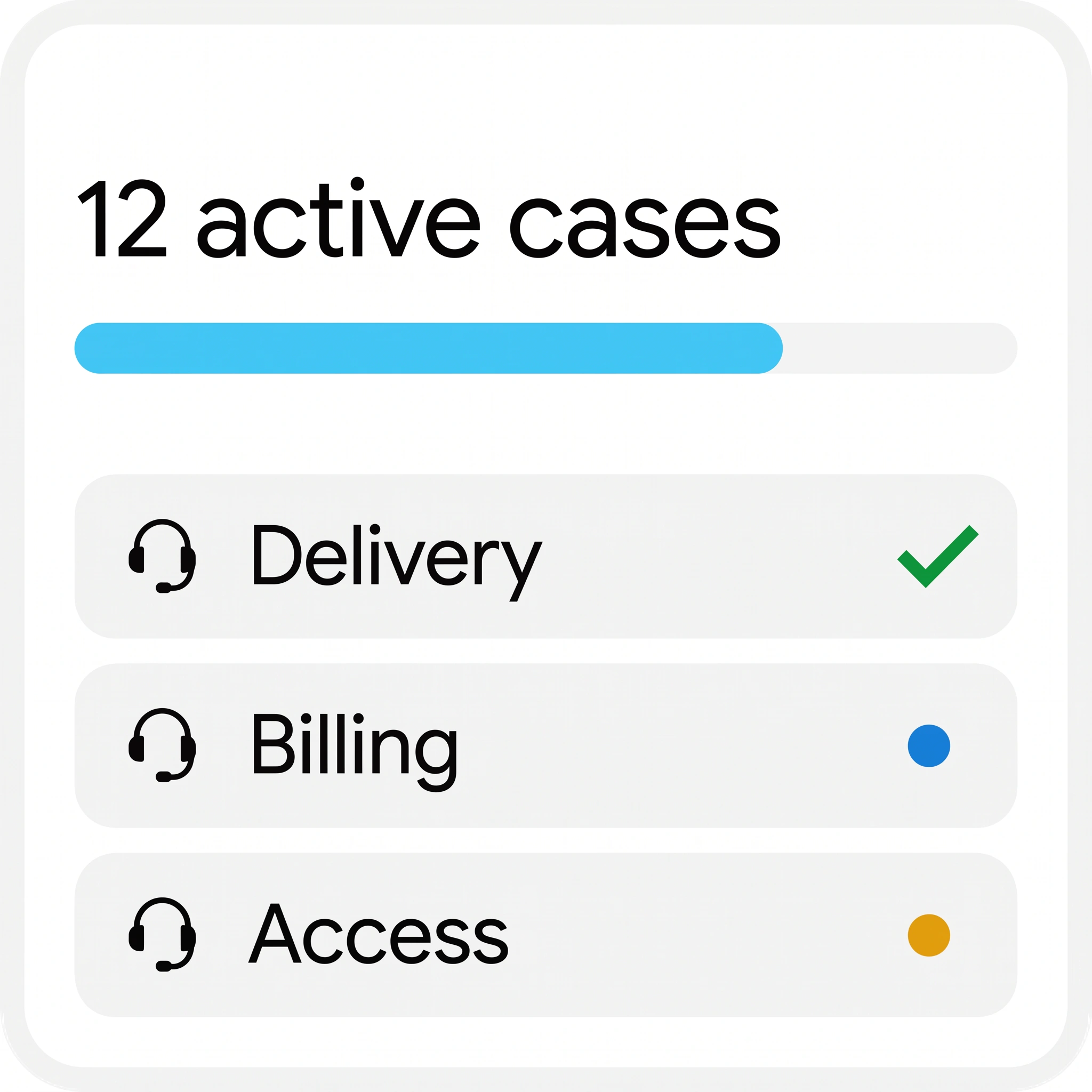
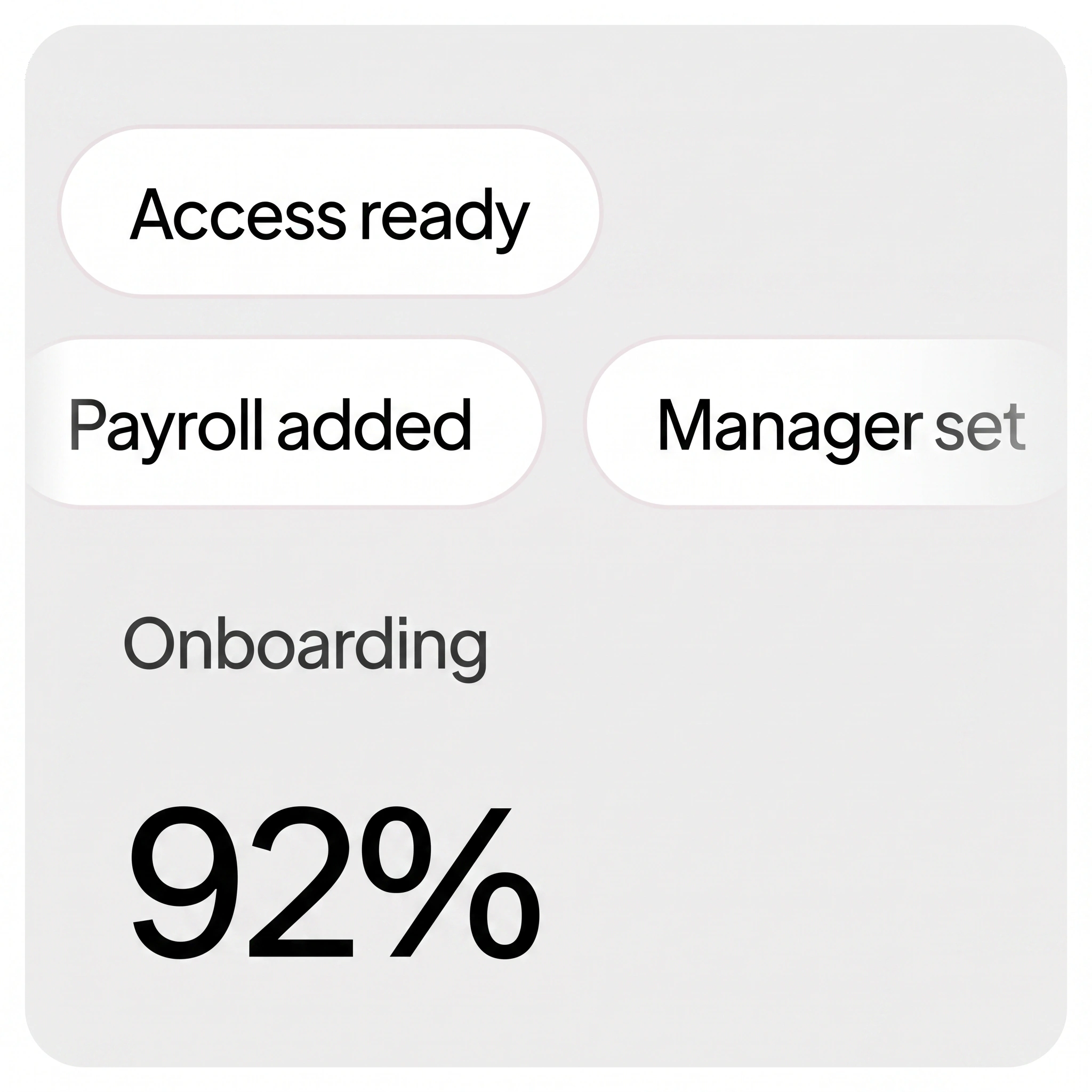
Three ways businesses use OpenAnalyst.
The workforce is the foundation. From there, teams choose the depth that fits how they operate: govern what already exists, build the operating system for a whole function, or run critical workflows with control built in.
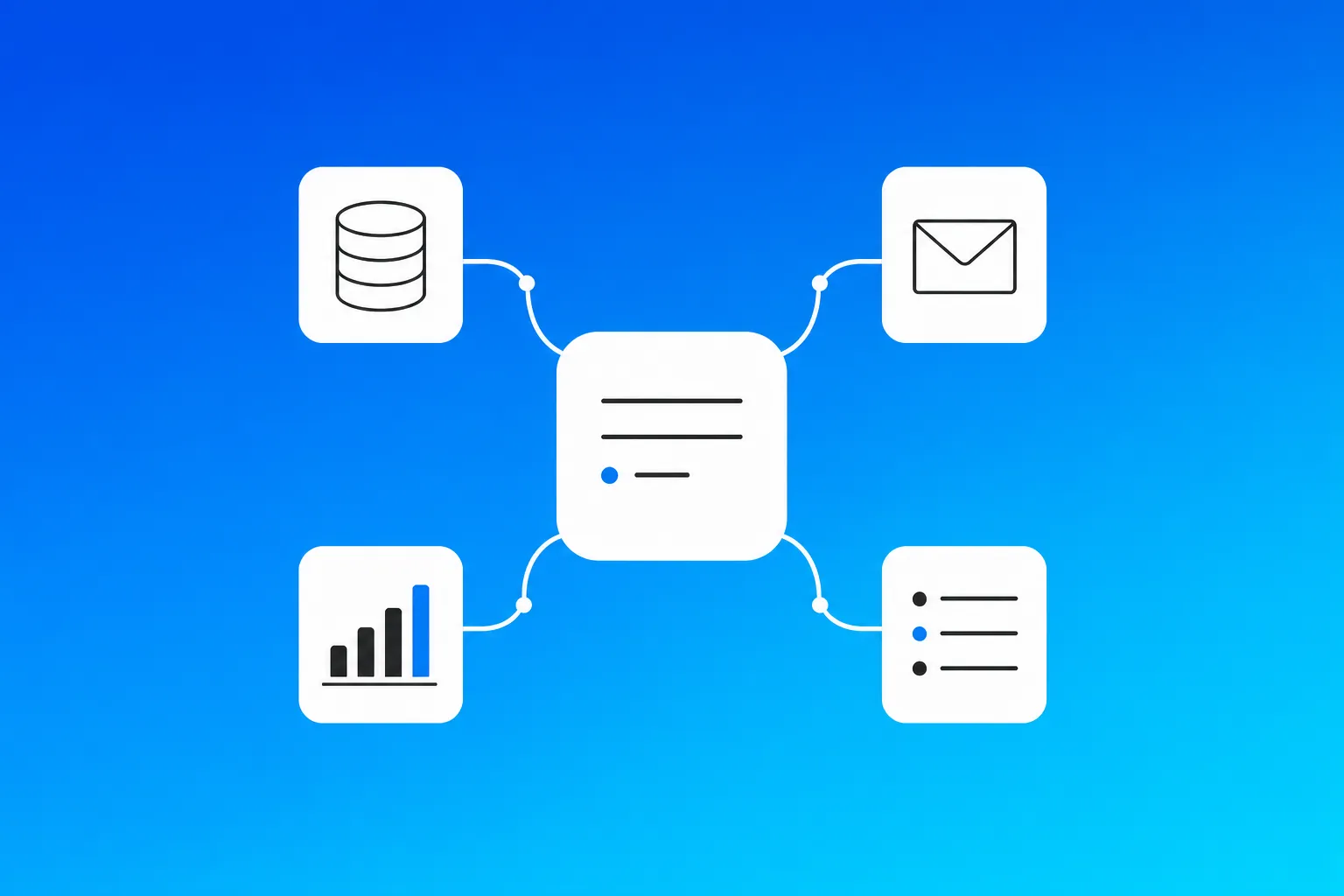
Foundation
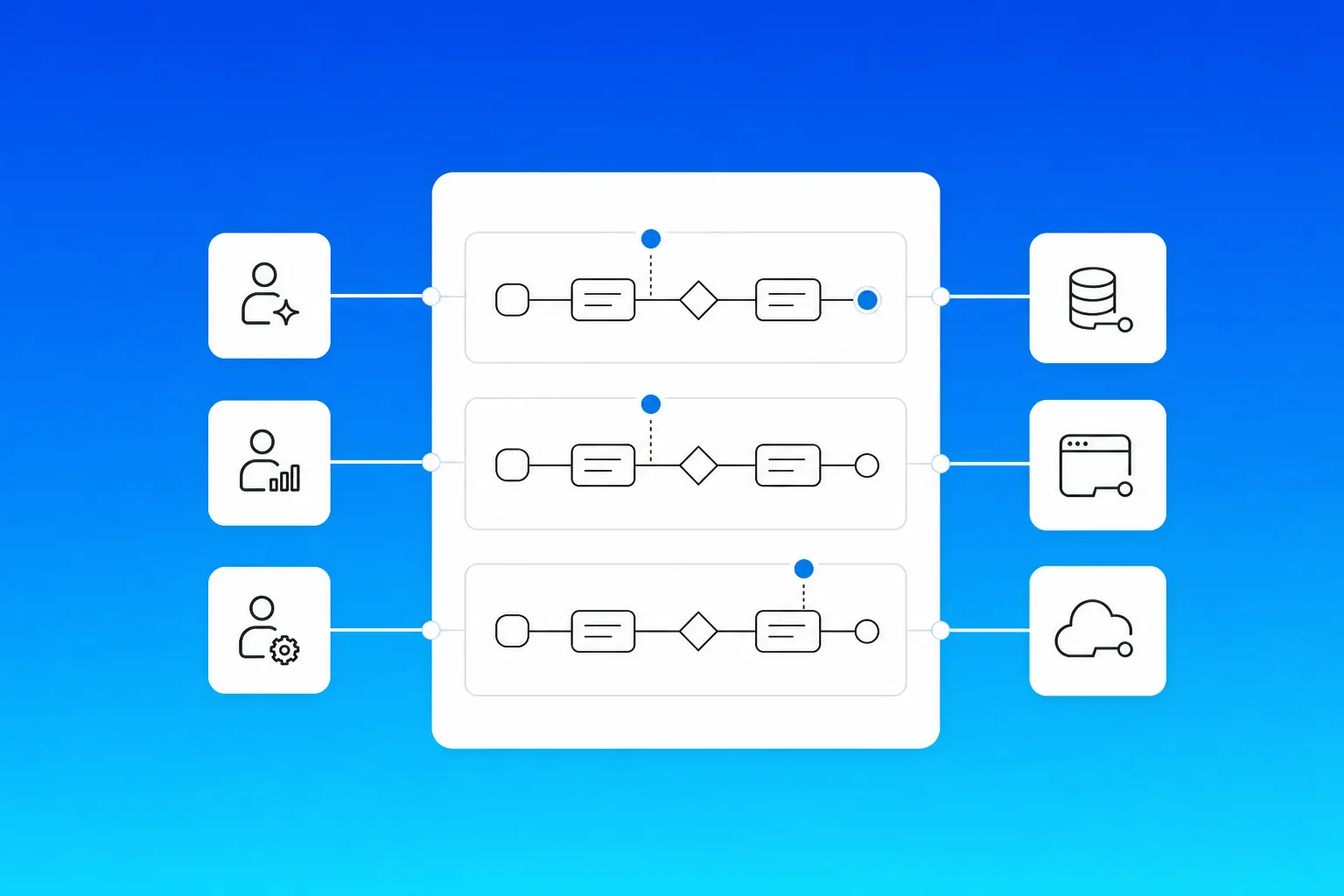
Connect and govern the work already running.
Register the agents and automations already in use, connect the systems they depend on, and add shared context, policy, and traceability without replacing your stack.
Agent registryAccess rulesOwnershipAction record
Featured
Build the operating system for a function.
Bring the agents, workflows, knowledge, and integrations for sales, service, finance, marketing, or operations into one coordinated workspace.
Specialist agentsShared contextRepeatable workflowsConnected systems
Control
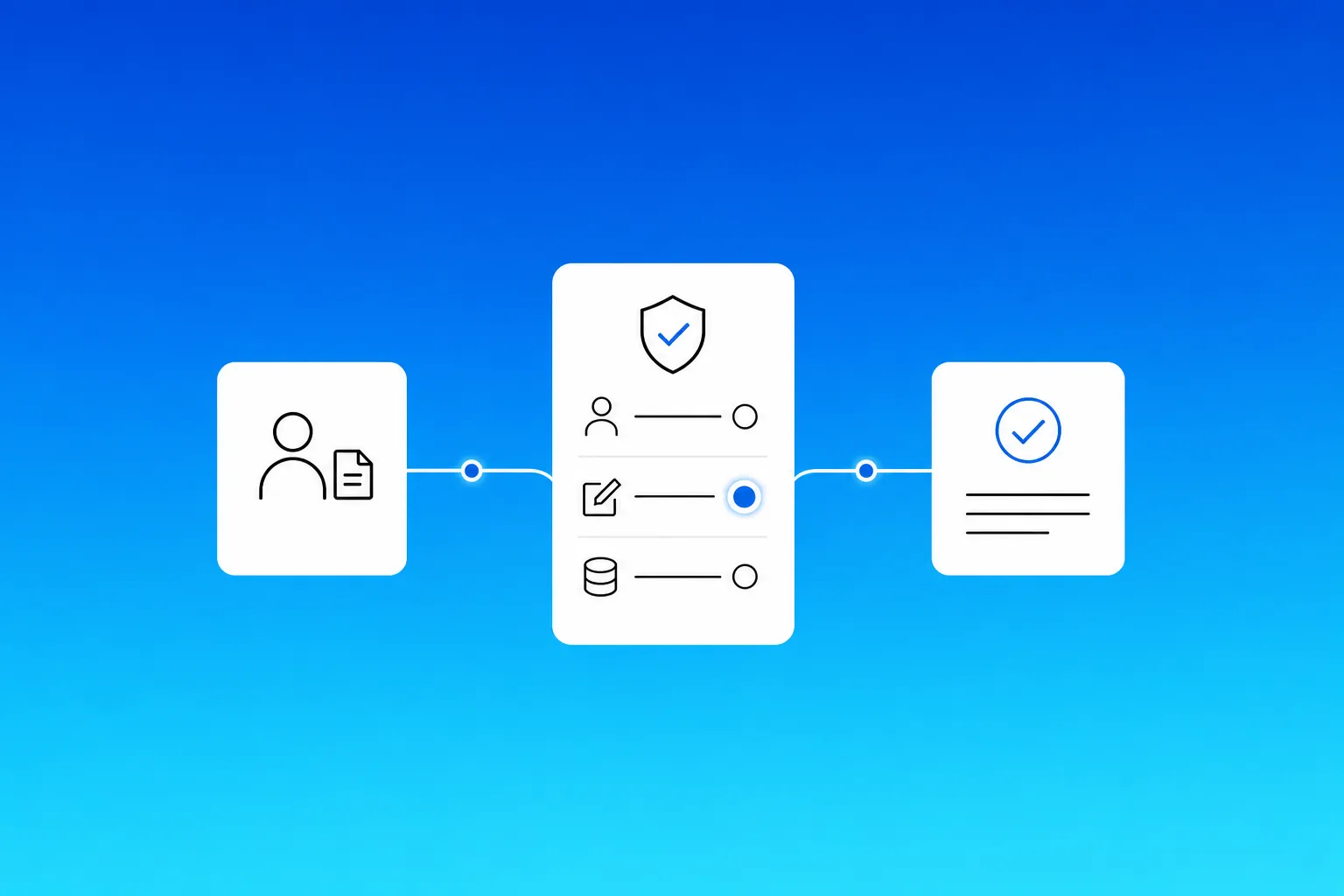
Run critical workflows with control built in.
Set access, approvals, ownership, and pause rules before work moves. Keep every decision, handoff, and result linked to the record for review.
Approval gatesException ownersPause controlsTraceable results
One System. Endless Possibilities.
Design, build, test, and deploy enterprise agents all from a single visual workspace. No infrastructure stitching. No framework wrangling. Just agents in production.
Sales
Finance
Service
Operations
Design the execution layer
Map agents, systems, workflows, and approval gates in one visual workspace.
CRM
Inbox
Shared business context
Customer history
Operating rules
Past decisions
Sales agent
Service agent
Build on your stack
Connect records, tools, and company rules without stitching together another layer of infrastructure.
Scenario runResult verified
Test before production
Run scenarios, inspect outputs, and catch edge cases before an agent reaches a customer or teammate.
MonTueWedThuFri
Sales agent · Advance pipeline
Marketing agent · Run campaigns
Operations agent · Coordinate delivery
LIVE
Deploy and keep improving
Move workflows into production with traceability, then use each run to improve the system.
Five reasons businesses pick OpenAnalyst.
The path from first idea to a working enterprise agent should be clear. Build from plain language, start with proven work, improve with evidence, and keep control of everything you create.
Build any agent, without a developer in the room.
Describe the workflow in plain language. OpenAnalyst turns it into the agent, logic, integrations, access controls, and working interface your team can use from day one.
No code needed
Go live in weeks, not quarters.
The platform and our implementation team move together. We work alongside your owners on governance, integrations, testing, and the sign-off needed to put agents into production.
Built for production
Start from what already works.
Begin with production-tested agents for sales, service, finance, marketing, operations, or people. Adapt the starting point to your data, tools, rules, and operating context.
Start with a working brief
Prove the workflow before it reaches production.
Run realistic scenarios, inspect outputs against your rules, catch edge cases, and improve the agent with evidence before it reaches a customer, colleague, or live system.
Improve with evidence
Your agents, your IP, always.
Everything you build stays in your environment, on open protocols, under your control. The logic, workflows, integrations, and operating knowledge move with you whenever you need them to.
Your environment. Your control.
Put the system to work.
See how agents, records, rules, and approvals come together in one operating workspace.
Open OpenAnalyst at work
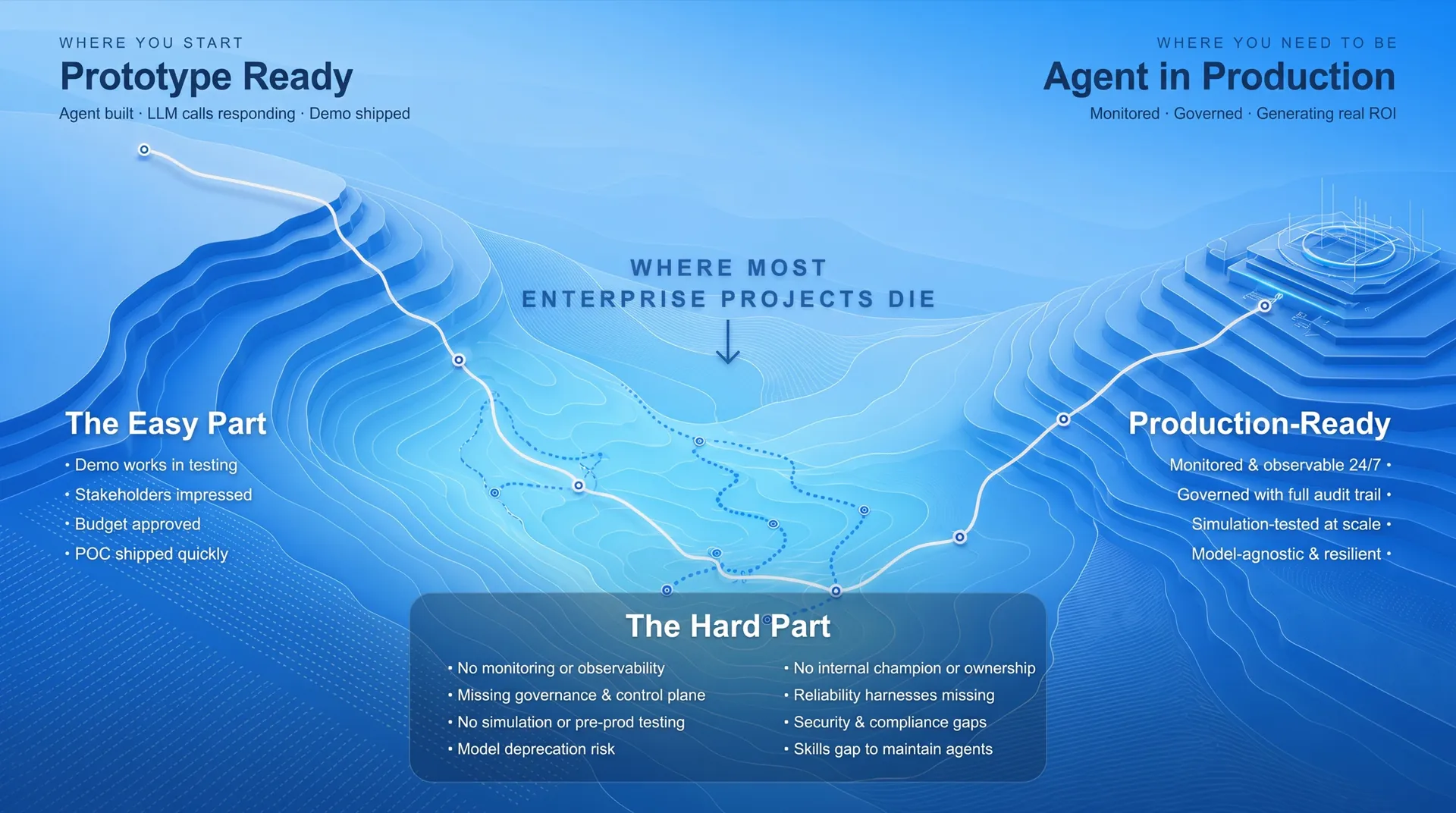
Your agent is built. Now comes the hard part.
Between a working prototype and a production agent lies a valley most projects never cross. OpenAnalyst builds the bridge with the infrastructure and people needed to make the work dependable in the real world.
Three paths to agents in production.
Build alongside your team, bring in OpenAnalyst engineers, or start from a proven partner path. The operating model meets you where you are.
Build custom agents with your team in control.
Use Agent Studio, OpenAnalyst GPT, and Architect to shape the workflow, choose the model, connect the systems, and keep ownership of the roadmap.
Co-build the first agents and move the complex work into production.
Our implementation engineers work with your owners on the first agents, governance, integrations, and handover—then transfer the system and the knowledge to your team.
Start from a production-ready agent and launch faster.
Choose a proven starting point across sales, service, finance, marketing, operations, or people. Configure it for your environment and move from week one with a clear owner.