Field notes · Manufacturing

AI for manufacturing units: fewer calls, fuller registers.

Units using OpenAnalyst log shifts by voice note, approve purchase orders from the phone and start the day with the numbers, without a new app on the floor. Here is how a unit runs it.

Get started freeFree desktop, no card. We set up your first workflow with you, free. Pro adds Cloud and all Pro features for ₹2,000/month.
UB
Floor group · Unit Brain addedExample unit · 48 workers · 3 shifts
🎤 0:20 · Shift B report21:04
Logged · Shift B · 1,240 pcs · 12 rejects · M3 down 40 min→ ERPNext production entry · confirm?21:04
👍21:05
Written · Shift B · by Suresh · 21:05Cost: ₹0.40 on your key21:05
Type a message
Example conversation. Names and figures are illustrative.
Start with your own files on free desktop.Free desktop for Windows and Mac. We set up your first workflow with you, free. Pro adds Cloud and all Pro features for ₹2,000/month.
01

Log every shift without a single 9 pm call

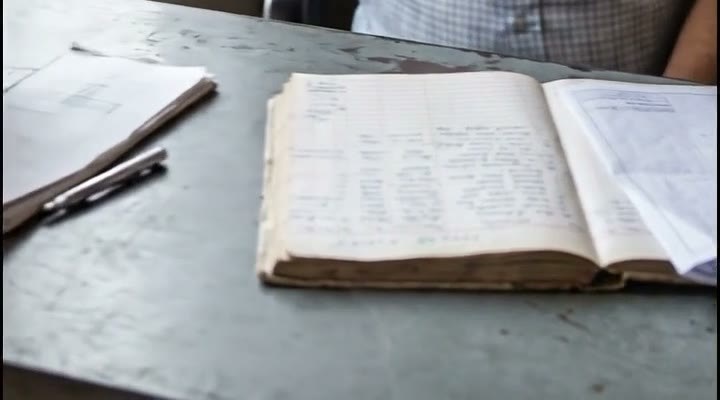
A shift report used to mean a phone call at nine, a register nobody could read and an entry typed the next morning. Now the supervisor sends a twenty-second voice note to the floor group and the production entry is in ERPNext before the supervisor reaches the gate, name and time attached.

The same group sends a photo of a fault and gets the maintenance ticket back, and hears two days early that 12 mm rod is running out. Nothing on the floor changes except who types.

UB
Floor groupExample conversation
📷 Photo · M3 bearing housing14:12
Ticket #M3-0912 opened · bearing 6205 · Ramesh assignedSpare in stock: 4 · downtime clock started 14:1214:12
Stock: 12 mm rod at 3 days of burn. Reorder 2 t from Shah Steel at last rate ₹62/kg?→ PO drafted, waiting for approval16:40
Type a message
Example conversation. Names and figures are illustrative.
Before: the register. Illustrative frame from the campaign film.
02

Approve the PO from the car, and have it on record

A purchase order used to wait on the office desk until the owner came in, then get approved on a phone call nobody wrote down. Now the PO arrives as one card in the owner's chat. One reply approves it, and ERPNext records who approved and when.

Approvals happen from the car, the bank or the wedding. The ledger, not memory, says what was agreed.

UB
Owner's chatExample conversation
PO-218 · Shah Steel · 12 mm rod · 2 t · ₹1,84,000Last rate ₹62/kg on 14 Aug · reply 1 to approve, 2 to hold21:40
121:42
Approved · Rajesh · 21:42 · written to ERPNextPO sent to Shah Steel on WhatsApp · delivery Thursday21:42
Type a message
Example conversation. Names and figures are illustrative.
03

Start the day with the numbers, not the phone

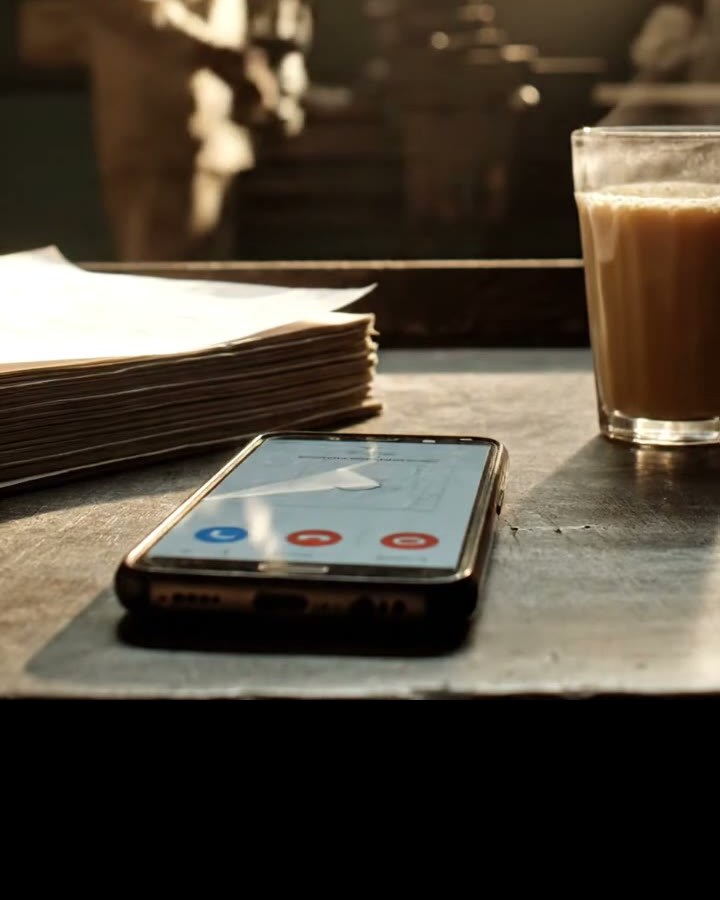
The morning used to start with three calls to three supervisors and a number that changed by noon. Now one message arrives before the gate opens: pieces, rejects, hours lost and the top reason, from the entries the shifts already logged.

Ask a follow-up in Hindi or English and the answer names the shift and the entry it came from.

UB
Owner's chatExample conversation
7:00 · Yesterday: 3,610 pcs · rejects 0.6% · M3 down 40 min (bearing) · 2 approvals pendingFrom shift entries A, B, C · full sheet attached 📎07:00
Shift C ka reject kyun zyada?07:04
Shift C: 9 of 22 rejects on die 4, all after 02:00. Same die flagged on 28 Aug.Source: shift log · Sept, rows 88 to 9607:04
Type a message
Example conversation. Names and figures are illustrative.
Before: the 9 pm phone. Illustrative frame from the campaign film.
What it does

Six jobs it takes off the phone.

Each one reads only the files you upload, answers with the source and writes back only after a tap. Tap a job to try its question on WhatsApp.

Shift B report: 1240 pieces, 12 rejects, M3 down 40 minShift logger

Turns a voice note into the production entry, with name and time.

Try on WhatsApp
12 mm rod kitna bacha hai?Stock watcher

Reads burn rate in ERPNext and drafts the reorder two days before the line would stop.

Try on WhatsApp
PO-218 approvePO approver

Sends the purchase order as one card; one reply closes it and logs who approved.

Try on WhatsApp
M3 bearing fault, photo attachedFault filer

A photo of the fault becomes the ticket, the spare and the technician.

Try on WhatsApp
Kal ka production digest bhejoMorning digest

Pieces, rejects, hours lost and the top reason, in one message before the gate opens.

Try on WhatsApp
12 mm rod ka last rate?Register finder

“12 mm rod ka last rate?” answered from the purchase register, row named.

Try on WhatsApp
Start with your own files on free desktop.Free desktop for Windows and Mac. We set up your first workflow with you, free. Pro adds Cloud and all Pro features for ₹2,000/month.
Your files

Every answer comes from your own files.

The purchase register, the drawings folder and the Tally export live on the office PC where nobody searches them. Uploaded once, they answer on WhatsApp in the language the question came in, and every answer names the file and the row.

Uploaded onceStatus
Purchase register.xlsxReady
Drawings / 4471 · Rev CReady
Tally export · AugReady
Shift log · SeptReady
How it works

Start to finish, three steps.

01Upload once

Drop the register, the drawings and the Tally export. Ten minutes on the office PC, or book the free setup session and we do it with you.

02Ask on WhatsApp

The group your unit already runs. Hindi, Gujarati or English. The answer names its source.

03Approve, it writes back

One tap on the card. ERPNext or Tally gets the entry with a name and a time. Everything is in the ledger.

Works with

Beside the tools you already run.

WhatsAppMessagingOpenAIModelAnthropicModelGoogle GeminiModelERPNextERPTallyBooksGoogle SheetsWorkspaceOllamaLocal modelOdooERP

Available today   In development

Control

Owners stay in control of what the AI touches.

The AI runs on your own Google, OpenAI or Anthropic account, so nothing you upload trains anyone's model and nobody adds a markup. Runs on the office PC or in your cloud. Nothing is written to ERPNext or Tally without a tap, and every action sits in a ledger with who, what and when.

  • Your own AI account, no markup
  • Runs on your PC or in your cloud
  • Every write approved by a person
  • A ledger of every action: who, what, when
Field notes

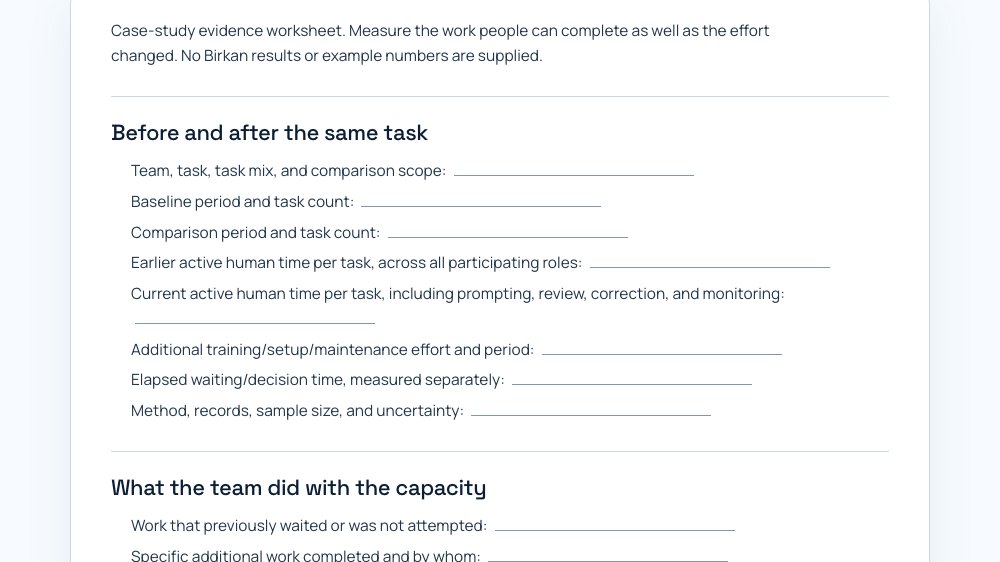
Watch the preview, then take the worksheets the unit fills in first.

▶ 0:49Episode 1 · in production · preview 0:49

Inside Birkan: building trust in AI and enabling the team to do more

A 49-second preview today. The 30-minute episode with a member unit is in production: nine chapters planned, five carry a use case.

Illustrative frame from the campaign film
Questions

What owners ask before they download.

Who sets it up?

We do, free, for your first workflow: a 60 to 90 minute session on a call while you share the office PC screen. More workflows, connectors or a named engineer for weeks come as setup packs.

Does everyone need a new app?

No. Your people keep using WhatsApp. One office PC runs OpenAnalyst.

Which phones?

Any phone that runs WhatsApp. Nothing to install for the team.

Does it work in Hindi?

Ask in Hindi, Gujarati, Marathi or English. The answer comes back in the language of the question.

What if the answer is wrong?

Every answer names its file and row, so it can be checked in ten seconds. Nothing is written to ERPNext or Tally until a person taps.

Who sees our files?

Your PC or your cloud, and your own Google, OpenAI or Anthropic account. OpenAnalyst does not hold a copy.

What does Pro include?

All Pro features and Cloud are included in one ₹2,000/month subscription. Desktop app access remains free.

Start with your own files on free desktop.Free desktop for Windows and Mac. We set up your first workflow with you, free. Pro adds Cloud and all Pro features for ₹2,000/month.

Written by the OpenAnalyst team from the planning sessions with member units. The unit in the examples is illustrative; measured numbers are added as the first units record them.

Put AI on the WhatsApp your team already runs.

Free desktop app access for Windows and Mac. We set up your first workflow with you, free. Pro includes Cloud and all Pro features for ₹2,000/month; setup packs for everything beyond.

OpenAnalyst AI Pvt. Ltd. · GSTIN 09AAFCO1076N1Z0